Where to get help
Most problems are answered by the Diagnostics tab or the rest of these docs before you need to ask anyone. Here is where to look first, and how to reach a person if you still need one.
Check the Diagnostics tab first
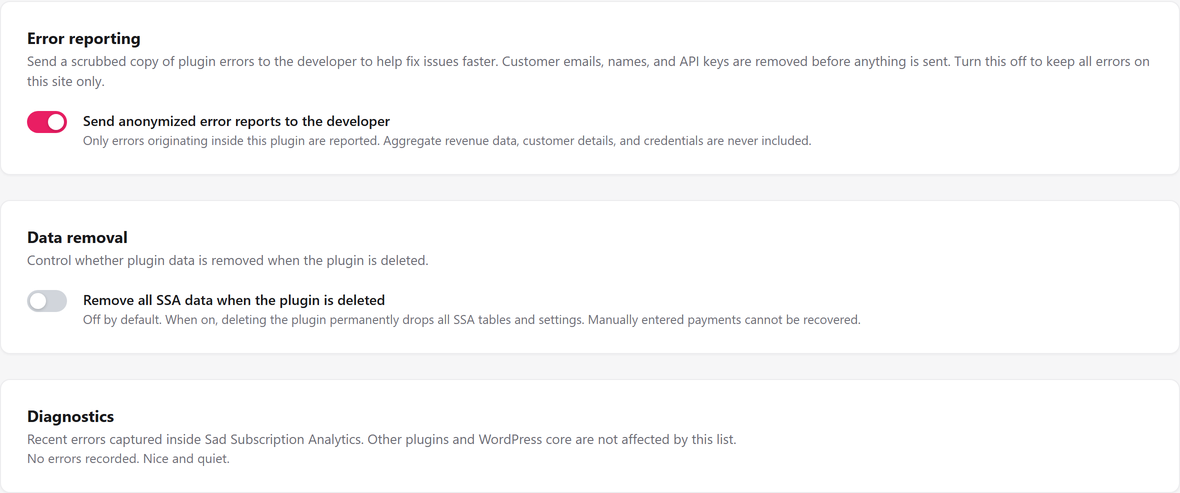
Go to Settings, then Diagnostics. Its table lists the errors SadAnalytics has actually caught inside its own code, grouped, with how many times each happened and when it was last seen. If something is going wrong repeatedly, it is usually already sitting in this table.
The plugin version you are running is shown in the SadAnalytics header, next to the sync status pill on every SadAnalytics screen, printed as "v" followed by the version number. Have it ready before you ask for help.
Where to ask
Read the docs first, this troubleshooting section included; most questions are already answered here, with screenshots. If you still need a person, email [email protected]. Once SadAnalytics is listed on WordPress.org, you can also ask on its support forum. The Support page says what support does and does not cover.
Found a bug? What to include
- What you expected to happen.
- What actually happened instead.
- The plugin version shown in the SadAnalytics header, and, if it is there, the matching row from the Diagnostics table.
- A screenshot. It usually helps more than a written description on its own.
If the issue looks like a sync that will not finish, or a number that does not match what you expected, check the sync looks stuck and numbers differ from the Stripe dashboard first; either may answer the question before you need to write in at all.